 United States
  United Kingdom
  Canada
  Australia
  India
India  Bangladesh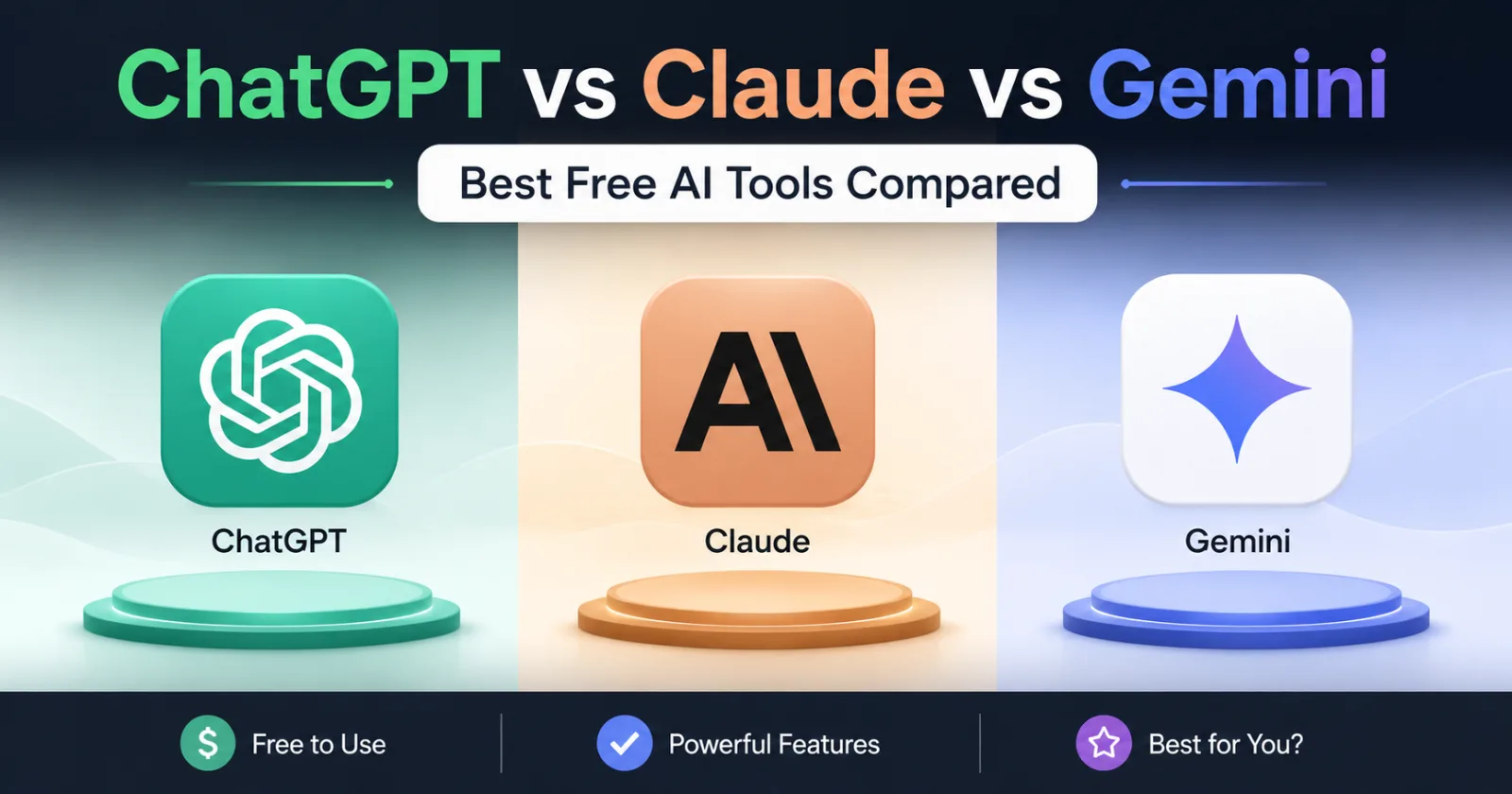
Key Takeaways
- Claude 3.5 Sonnet currently offers the most natural writing and superior coding logic on its free tier, despite strict message limits.
- ChatGPT provides the most versatile feature set for free users, including image generation, data analysis, and custom GPT access.
- Gemini is the top choice for research and ecosystem integration, offering the best real-time web searching and Google Workspace connectivity.
You are likely staring at three different browser tabs right now, wondering which AI will actually help you finish your work faster without requiring a twenty-dollar monthly subscription. The AI space has moved past the stage of simple novelty. Today, choosing between ChatGPT, Claude, and Gemini is a strategic decision that affects your productivity, the quality of your output, and how you manage your daily digital tasks. Each of these platforms offers a remarkably capable free tier, but they are far from identical. Knowing which one to use for a specific task can save you hours of frustration.
The State of Free AI in 2025
The competition between OpenAI, Anthropic, and Google has created a unique advantage for the average user. We now have access to models that were considered impossible just a few years ago, all at zero cost. However, these companies are not giving these tools away out of pure altruism. They are fighting for market share and user data to refine their systems. This means the 'free' experience is often a balancing act between high-end performance and strict usage caps.
Is one tool clearly better than the others? Not necessarily. While one might excel at writing a nuanced email, another might be far superior at debugging a block of Python code or summarizing a massive PDF. To get the most out of these free tools, you need to understand the underlying logic and the specific limitations of each platform.
ChatGPT: The Versatile All-Rounder
OpenAI’s ChatGPT remains the most recognized name in the industry. For a long time, free users were stuck with older, less capable models. That changed significantly with the introduction of GPT-4o and its smaller sibling, GPT-4o mini. As a free user, you now get a taste of flagship intelligence, though it comes with a ticking clock.
Feature Access for Free Users
ChatGPT currently offers the most diverse set of features for non-paying users. You aren't just getting a text box; you are getting a multi-modal workstation. Free users can now access custom GPTs created by the community, use data analysis tools to visualize spreadsheets, and even generate a limited number of images using DALL-E 3. This makes ChatGPT the 'Swiss Army Knife' of the trio.
The GPT-4o Limit Reality
There is a catch that often surprises new users. When you start a chat, you are likely using GPT-4o, the flagship model. Once you hit a specific number of messages—which fluctuates based on server demand—ChatGPT will automatically downgrade you to GPT-4o mini. While the mini model is exceptionally fast and quite smart, it lacks the deep reasoning capabilities of the full version. If you are working on a complex project, you might notice the quality of answers dropping mid-session once that limit is reached.
Claude: The King of Nuance and Logic
Anthropic’s Claude has gained a cult following among writers, coders, and researchers. The free version currently grants access to Claude 3.5 Sonnet, which many professionals consider the most 'human-sounding' AI available. If you find ChatGPT’s writing to be too repetitive or full of 'AI-isms,' Claude is usually the remedy.
Superior Writing and Coding
Claude shines in tasks that require high emotional intelligence or complex logical reasoning. When asking Claude to write a cover letter, it tends to avoid the hyperbolic language that plagues other models. In the coding world, Claude 3.5 Sonnet has set new benchmarks, often providing working code on the first try where others might hallucinate a library or a syntax error. For example, a freelance developer named Mark recently reported that Claude was able to refactor a complex React component that both Gemini and ChatGPT struggled to optimize.
The Artifacts UI
One of the best free features Claude offers is 'Artifacts.' When you ask Claude to create a website mockup, a code snippet, or a document, it opens a dedicated window on the side of the chat. This allows you to view, copy, and even interact with the output without scrolling through a long chat history. It makes the AI feel less like a chatbot and more like a collaborative workspace.
The Strict Message Cap
The biggest drawback to Claude's free tier is the limit. Because Claude 3.5 Sonnet is expensive to run, Anthropic limits free users to a relatively small number of messages every few hours. If you are in the middle of a heavy brainstorming session, you might see the dreaded 'You have no messages remaining until 4 PM' notification much sooner than you’d like. This makes Claude a tool for high-quality, targeted tasks rather than casual, long-winded chatting.
Gemini: The Ecosystem Specialist
Google’s Gemini (formerly Bard) has undergone a massive transformation. Its primary advantage is not just the model itself, but where that model lives. Because it is a Google product, it has direct access to the information and tools you likely already use every day.
Real-Time Information and Integrations
If you need to research a current event or find a specific price for a product, Gemini is often the most reliable. While ChatGPT and Claude have web-browsing capabilities, Gemini is built on top of Google Search. Its ability to pull in real-time data is seamless. Furthermore, the 'Extensions' feature allows Gemini to pull data from your Gmail, Google Drive, and Google Maps. You can ask Gemini to 'Find the flight details from my last three emails and put them in a table,' and it will do so with impressive accuracy.
The Context Window Advantage
Gemini is known for its massive context window. This refers to how much information the AI can 'hold in its head' at one time. Even on the free tier, Gemini can handle significantly longer documents or sets of instructions than the free versions of its competitors. If you have a 50-page PDF that needs summarizing, Gemini is frequently the only free tool that won't truncate the text halfway through.
Consistency Concerns
The trade-off with Gemini is its tendency to be overly cautious or occasionally inconsistent with creative formatting. Users sometimes find that Gemini refuses to answer prompts that it deems 'sensitive' even when they are benign. However, for sheer data retrieval and Google-centric workflows, it remains a powerhouse.
Feature Comparison Table
To help you decide at a glance, here is how the free tiers of these three giants compare across key metrics as of early 2025.
| Feature | ChatGPT (Free) | Claude (Free) | Gemini (Free) |
|---|---|---|---|
| Primary Model | GPT-4o (Limited) | Claude 3.5 Sonnet | Gemini 1.5 Flash/Pro |
| Writing Style | Functional, predictable | Nuanced, natural | Informative, direct |
| Coding Ability | Very High | Excellent | High |
| Web Access | Yes | Yes | Native Google Search |
| Image Generation | Yes (DALL-E 3) | No | Yes (Imagen) |
| File Uploads | Yes | Yes | Yes |
| Message Limits | Moderate (Dynamic) | Strict / Low | Generous |
Choosing the Right Tool for the Job
Instead of sticking to just one, the most productive users switch between these tools based on the specific requirements of their task. Understanding these strengths is the key to creating an efficient AI workflow without spending a dime.
Scenario A: Writing a Complex Article or Email
Choose Claude. Its ability to follow a specific 'voice' and avoid clichés makes it the superior choice for creative or professional writing. If you give Claude a sample of your writing style, it does a much better job of mimicking it than Gemini or ChatGPT, which often revert to a generic 'AI tone.'
Scenario B: Organizing Data and Generating Visuals
Choose ChatGPT. If you have a CSV file of sales data and you need a quick chart and a summary of the trends, ChatGPT’s Advanced Data Analysis is the most robust tool available for free. The addition of DALL-E 3 for quick social media graphics or blog illustrations provides a visual edge the others lack.
Scenario C: Researching and Planning Travel
Choose Gemini. Because Gemini can check live flight prices, look up hotel locations on Maps, and check your calendar for conflicts, it is the ultimate personal assistant. It eliminates the 'copy-paste' dance between different tabs and apps.
Common Pitfalls and How to Avoid Them
Regardless of which free AI you choose, there are universal traps that can lead to poor results or even professional embarrassment. Being aware of these will keep your work accurate and your data secure.
The Hallucination Trap
All LLMs (Large Language Models) can confidently state things that are factually incorrect. This is known as a hallucination. Never use AI-generated facts, citations, or legal advice without independent verification. A common mistake is asking an AI for 'sources' for a claim; it may provide links that look real but lead to 404 errors or entirely different articles.
Privacy Awareness
When you use the free tier of any AI tool, your data is generally used to train future versions of the model. Never upload sensitive company documents, private keys, or personally identifiable information (PII). While these companies have privacy settings that allow you to opt-out of training, the default setting for free accounts is almost always 'opt-in.'
The 'Lazy Prompt' Problem
If you give a vague prompt like 'Write a blog post about dogs,' you will get a generic, boring response from any of these tools. To get premium results for free, you must provide context, a target audience, and a specific format. Tell the AI *who* it is (an expert vet), *what* it is doing (writing for a first-time puppy owner), and *how* it should sound (encouraging but firm).
Maximizing Your Free AI Workflow
Since every tool has a limit, the smartest strategy is 'multi-homing.' This means starting your task in the most capable model for that specific need and moving to another if you hit a limit or need a second opinion. For instance, you might use Claude to write the initial draft of a script, then move to Gemini to check the technical facts mentioned in that script, and finally use ChatGPT to generate a thumbnail image for the project.
Another pro tip is to use 'System Instructions' or 'Custom Instructions' where available. ChatGPT allows free users to set permanent instructions that the AI remembers across all chats. You can use this to tell the AI to 'Always avoid corporate jargon' or 'Always format code in a specific way,' saving you from repeating yourself in every new conversation.
The Bottom Line
There is no longer a single 'best' AI. The winner depends entirely on your specific needs at this moment. If you value creative nuance and logical precision, Claude is your best friend. If you need a versatile toolkit with image generation and data tools, ChatGPT remains the standard. If you are deeply embedded in the Google ecosystem and need real-time research, Gemini is the clear choice.
The best way to master these tools is to stop treating them as search engines and start treating them as interns. Give them clear instructions, check their work, and don't be afraid to fire one and hire another when the task changes. By rotating through these three free powerhouses, you can access world-class intelligence without ever opening your wallet.
References and Further Reading
- OpenAI Official Blog: GPT-4o for Free Users Announcement
- Anthropic News: Introducing Claude 3.5 Sonnet
- Google DeepMind: Gemini 1.5 Model Capabilities
- Stanford HAI: 2024 AI Index Report on Model Performance